AI Image Colorizer
Turn black and white photos into full color with one click. Our AI image colorizer adds natural skin tones, period-accurate clothing colors and realistic skies while keeping faces, composition and film grain exactly as they were. No prompt, no masking, no Photoshop.
AI Image Colorizer
JPG, PNG or WebP up to 10MB. Old scans, sepia prints and grayscale digital images all work.
Drag image here, click to browse, or paste from clipboard
Max size: 5MB
Result
Results are stored temporarily. Please download your colorized photo.
How to Colorize a Black and White Photo
Upload your photo
Drag a black and white, grayscale or sepia image into the AI image colorizer. Scanned prints, phone photos of old pictures and digital grayscale files all work. For the best result, scan at 300 DPI or higher and keep the file under 10MB.
Click Colorize Photo
There is nothing to configure. The AI image colorizer analyses skin, hair, fabric, sky, foliage and building materials in the photo and predicts realistic colors for each region. Processing takes about 10 to 20 seconds per image.
Compare and download
Drag the before/after slider to check the colorized result against the original. Download the full-resolution color image, or send it straight to the AI image upscaler if you need a larger print.
What the AI Image Colorizer Does Well
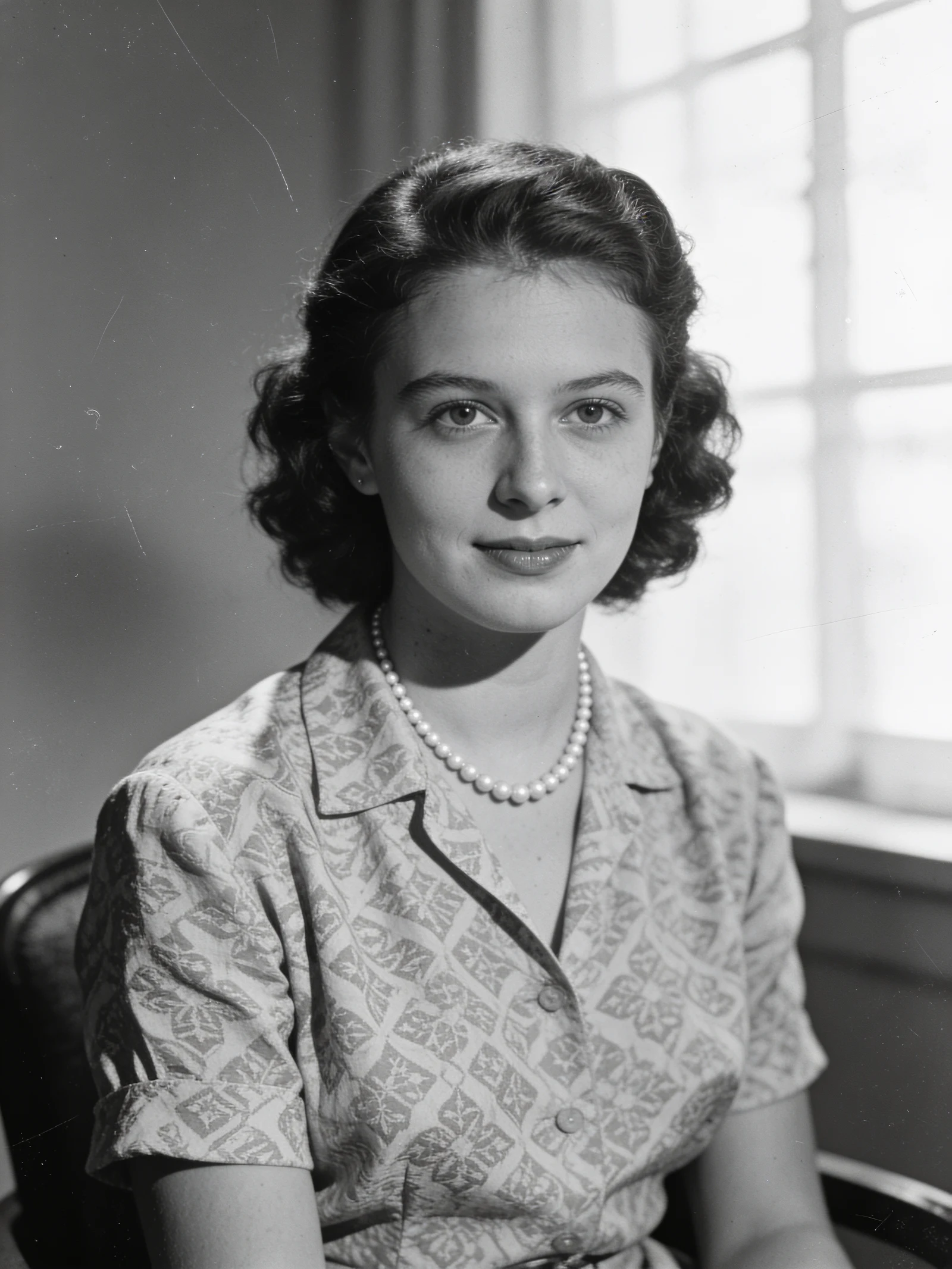
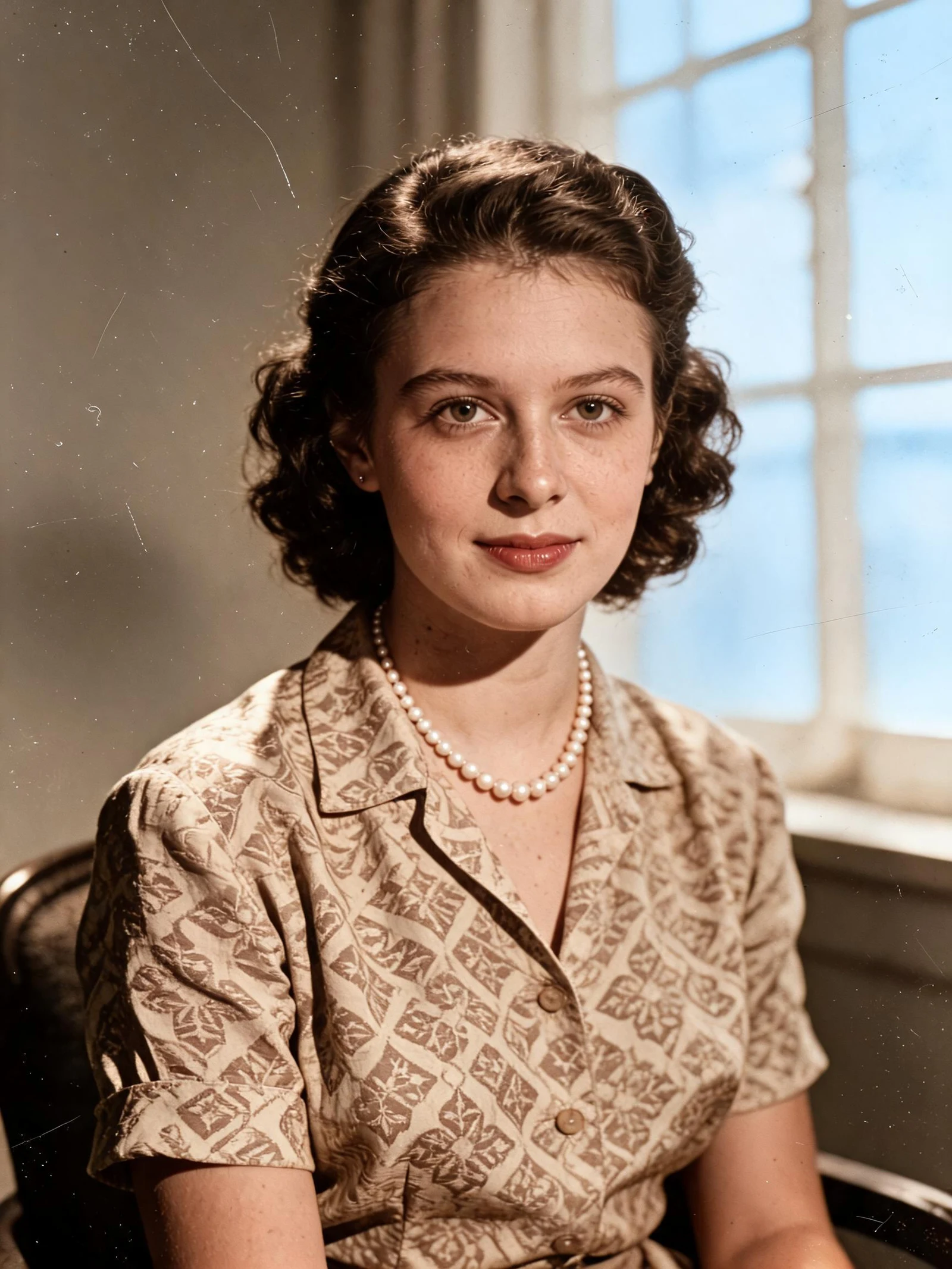
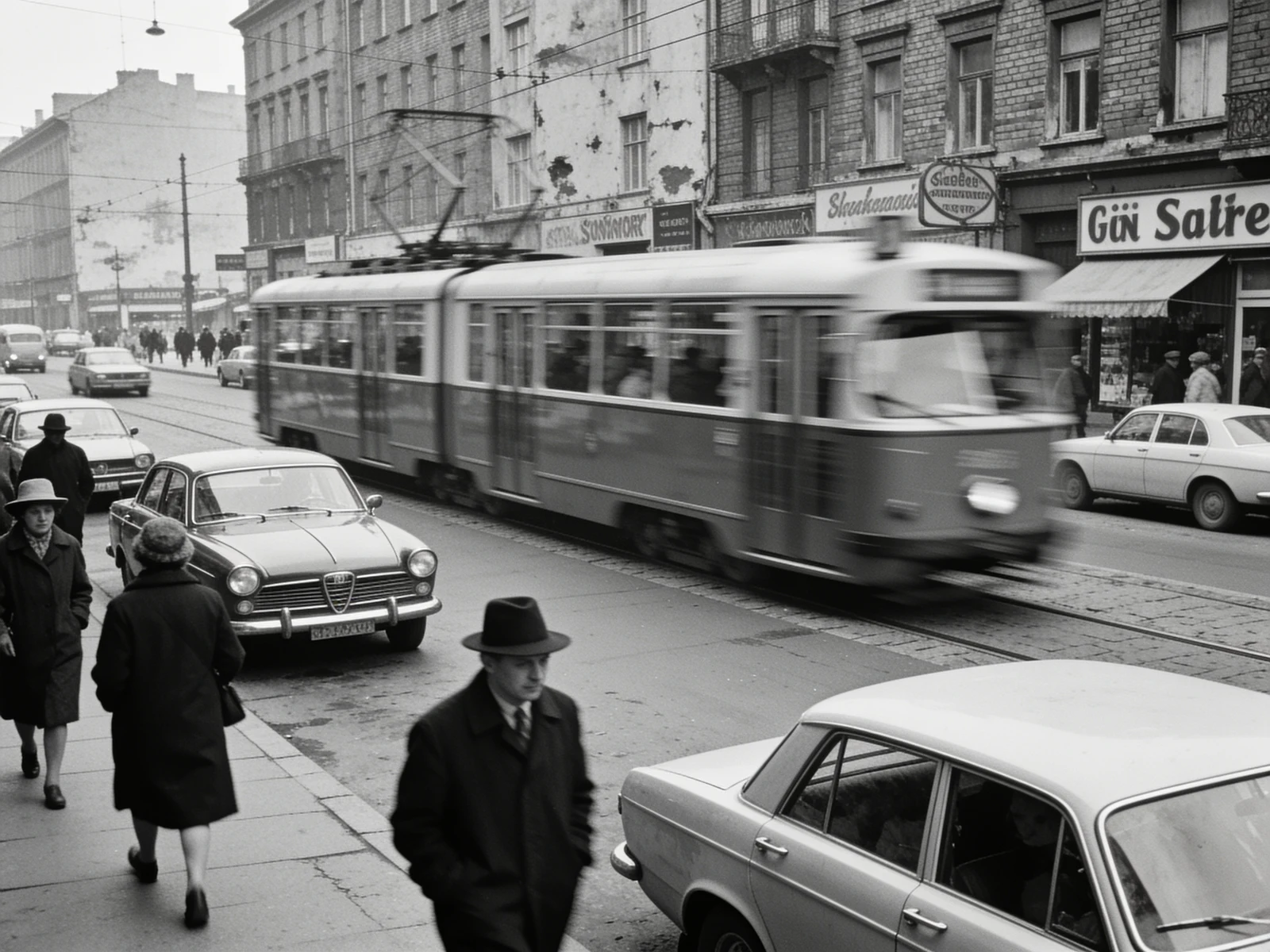
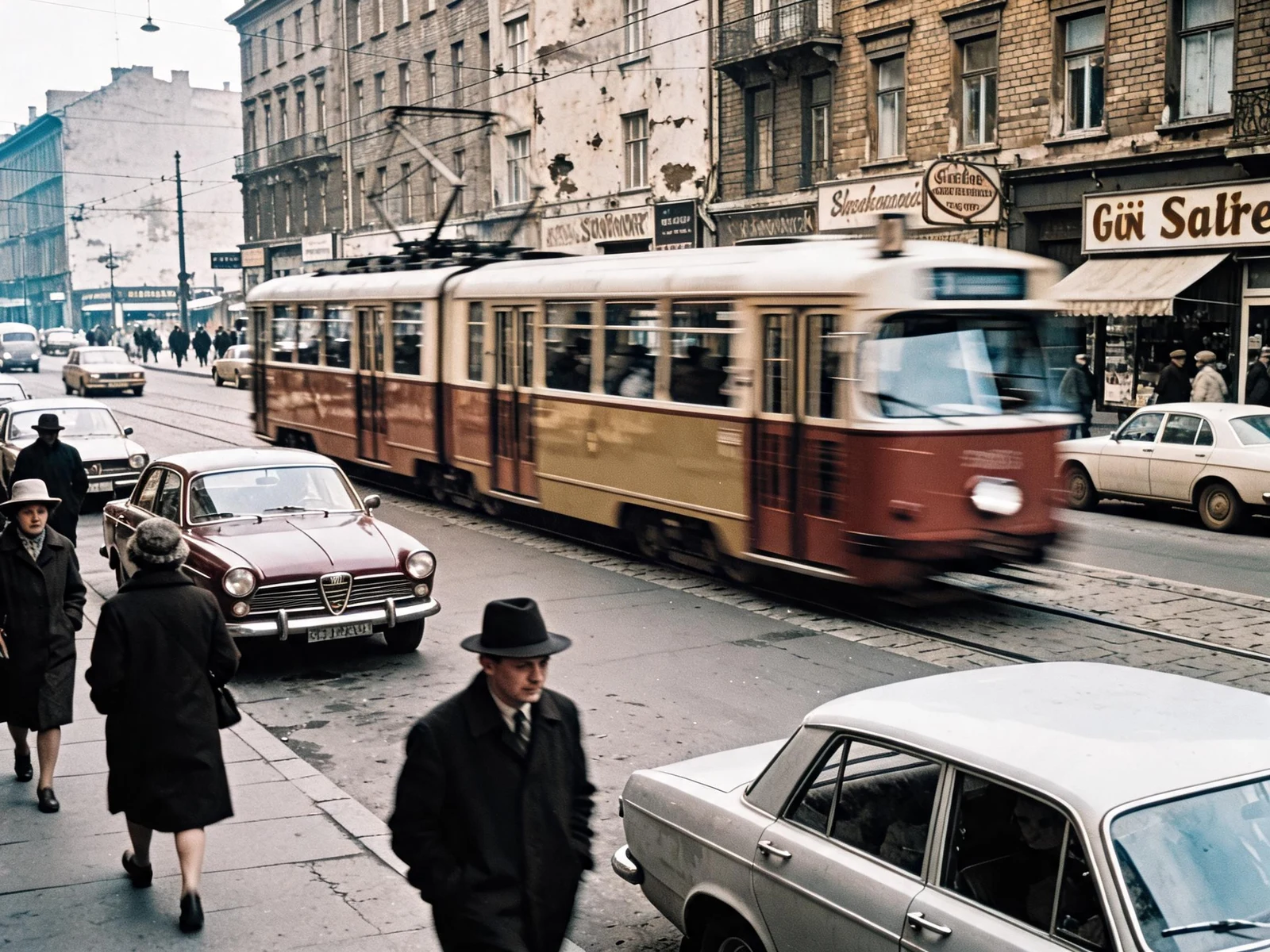
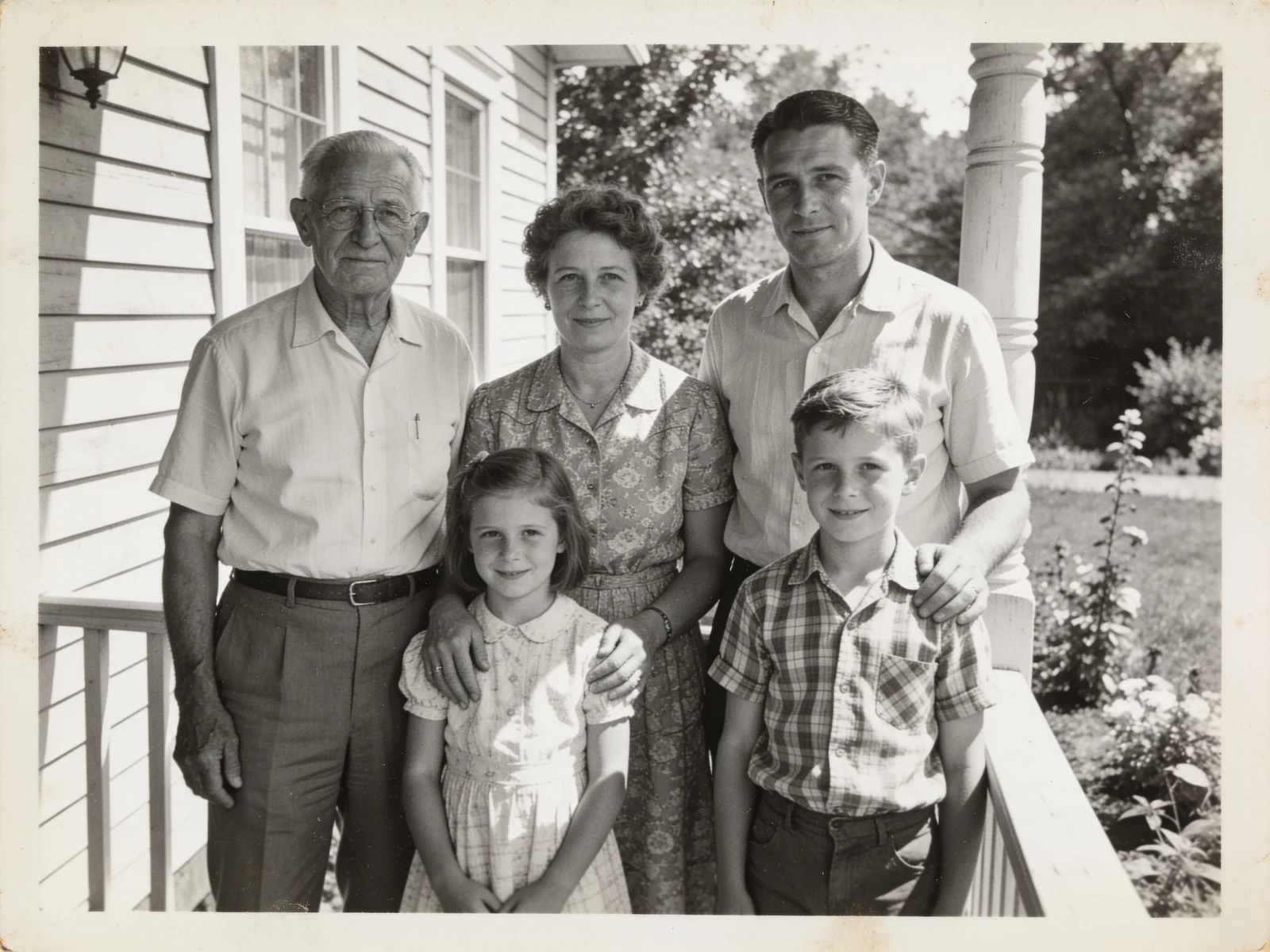
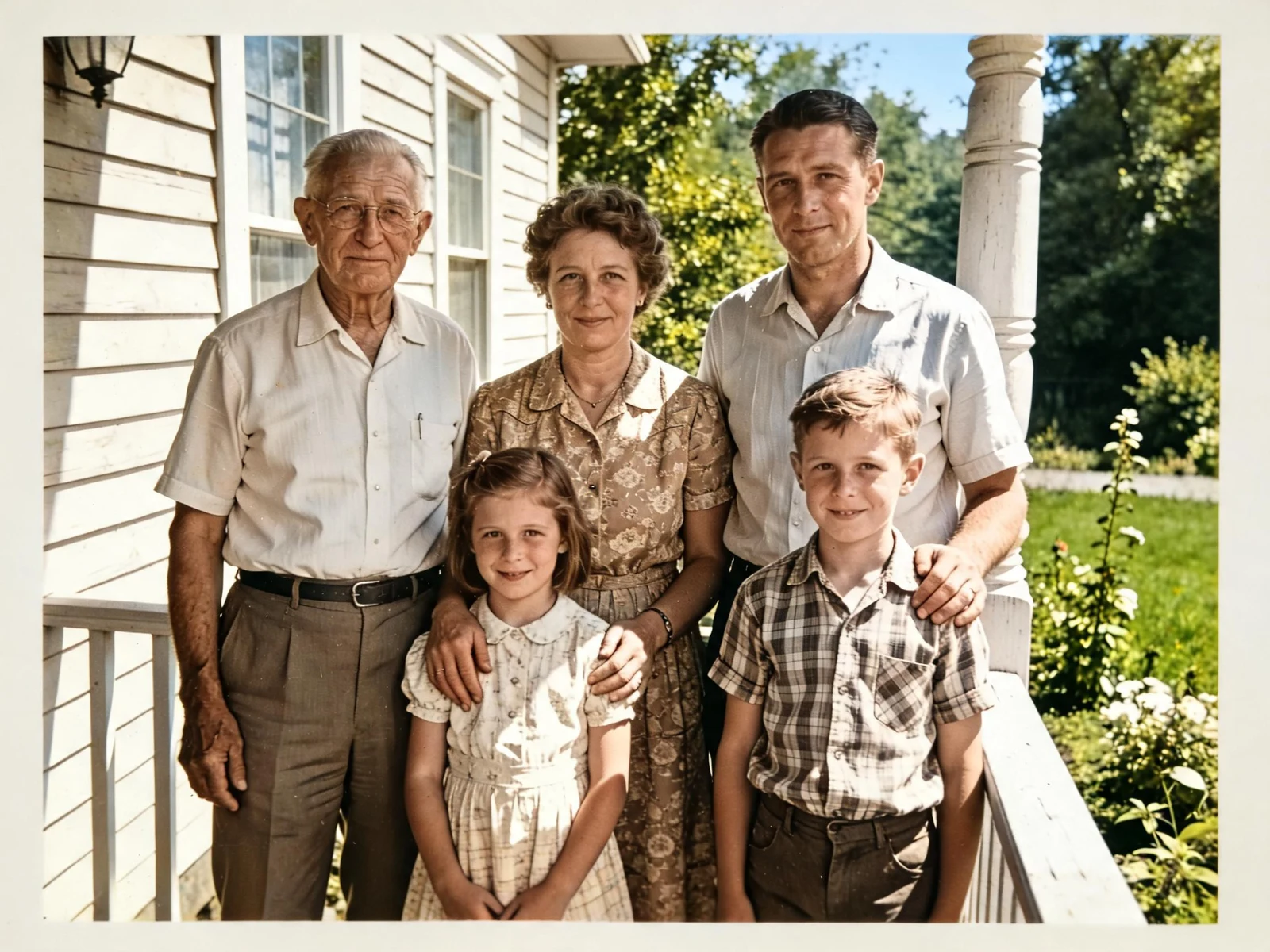
Every example below was colorized by this tool from the black and white image on the left. Drag the slider to see the change.
Natural, believable skin tones
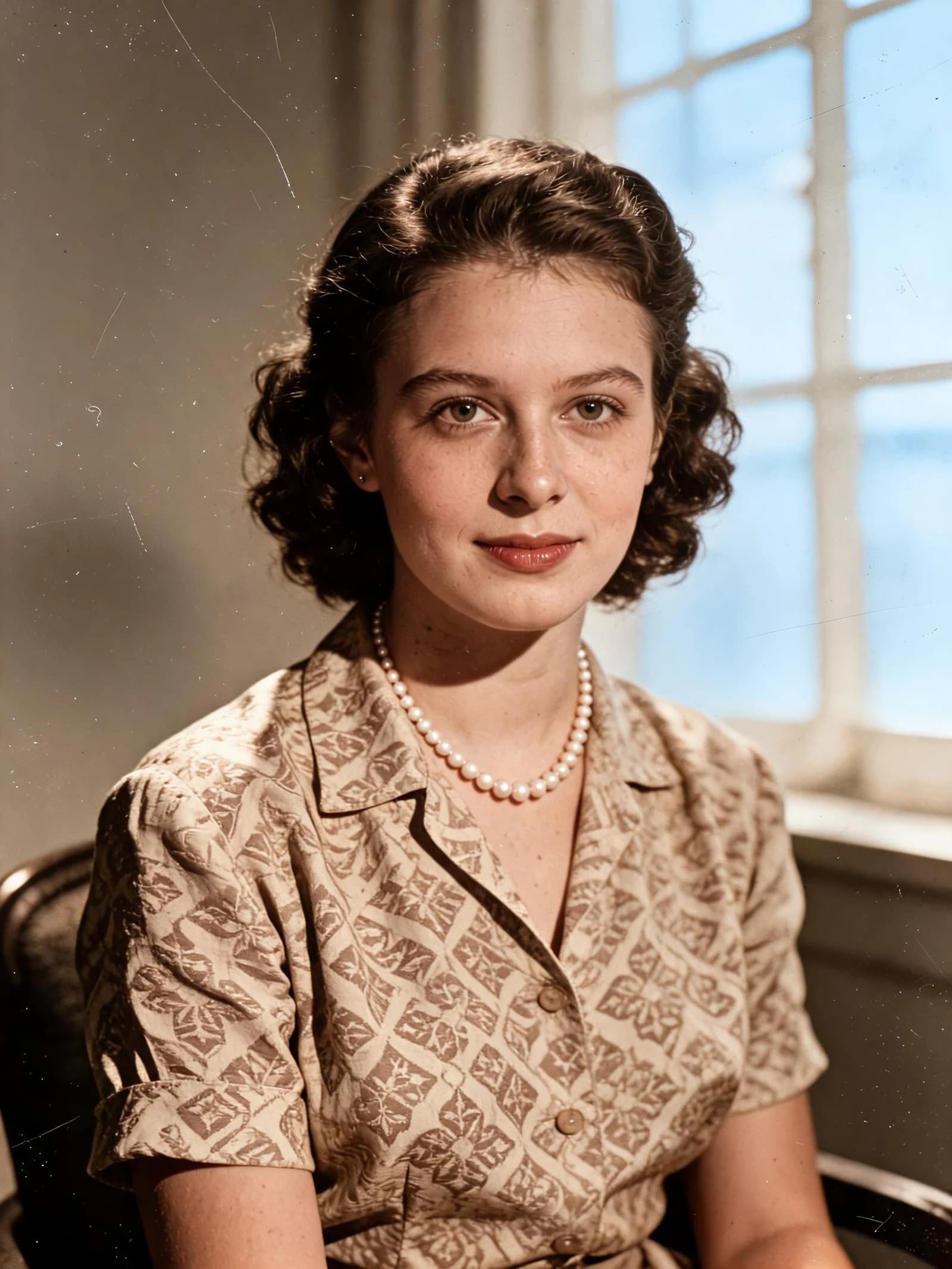
Portraits are the hardest test for any image colorizer. Cheap tools leave faces grey or paint everyone the same orange. Our AI image colorizer reads lighting, shadow depth and facial structure to produce skin that looks like a real color photo, with distinct tones for lips, cheeks and hair. Facial features, expressions and film grain are left exactly as they were in the original.
Period-accurate scene colors
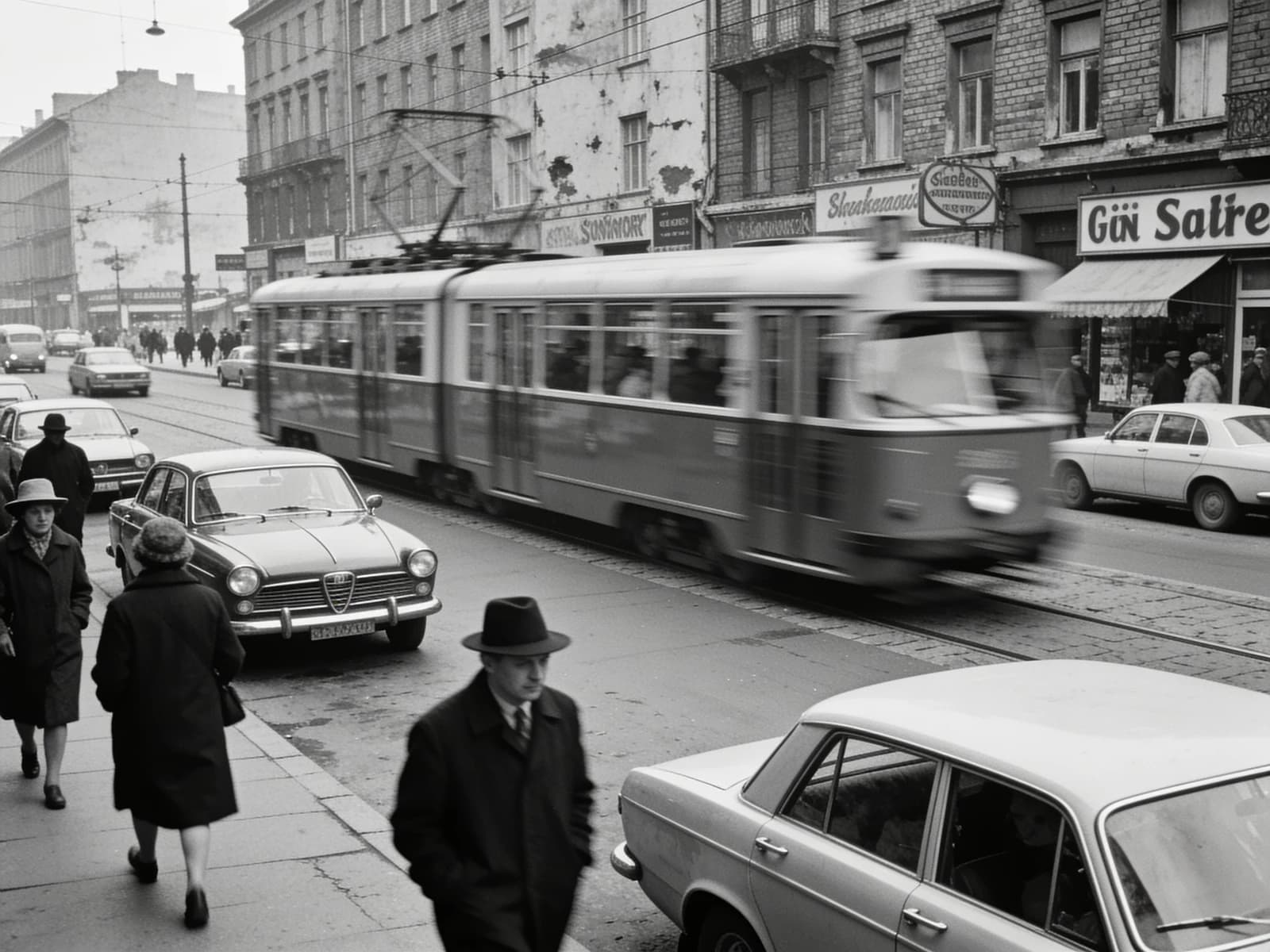
Street scenes, buildings and vehicles get colors that match their era and material: red brick, weathered wood, painted metal signs, cobblestone and overcast sky. The colorizer keeps the composition pixel-for-pixel, so a colorized photo can still be trusted as a historical record rather than an AI reinterpretation.
Consistent color across groups
Family photos and group portraits need consistency: every person, every piece of clothing and the background must agree with each other. The AI image colorizer treats the whole frame together, so a striped shirt stays one color from collar to hem and grass, trees and sky all share the same daylight.
Who Uses an AI Image Colorizer
Colorize photos for family history, publishing, education and creative work. A few of the most common reasons people bring black and white pictures to this tool.
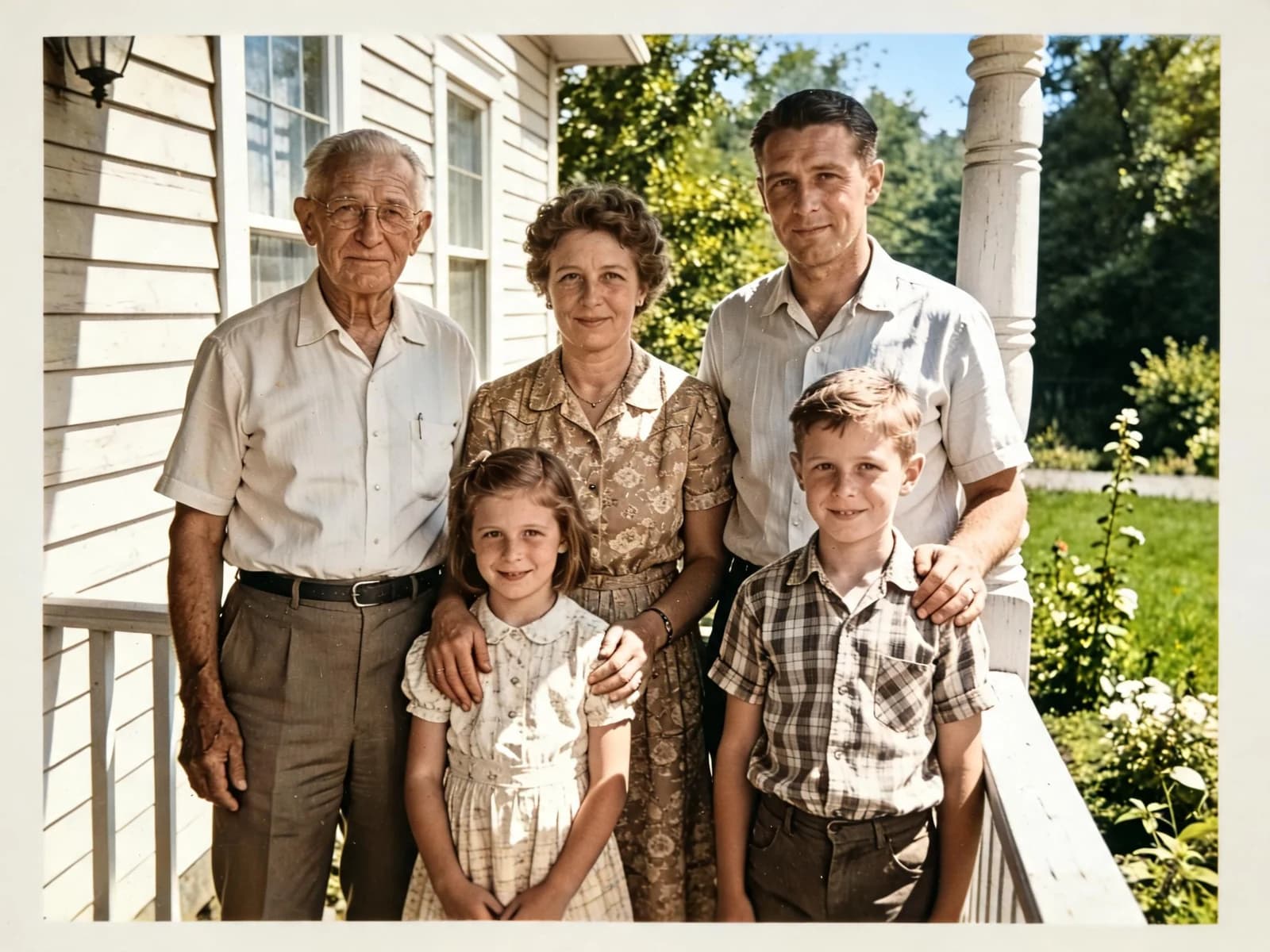
Family photo archives
Colorize photos of grandparents, weddings and childhood homes so younger relatives can see them the way they actually looked. Works on scanned prints, slides and photos of photos taken with a phone.
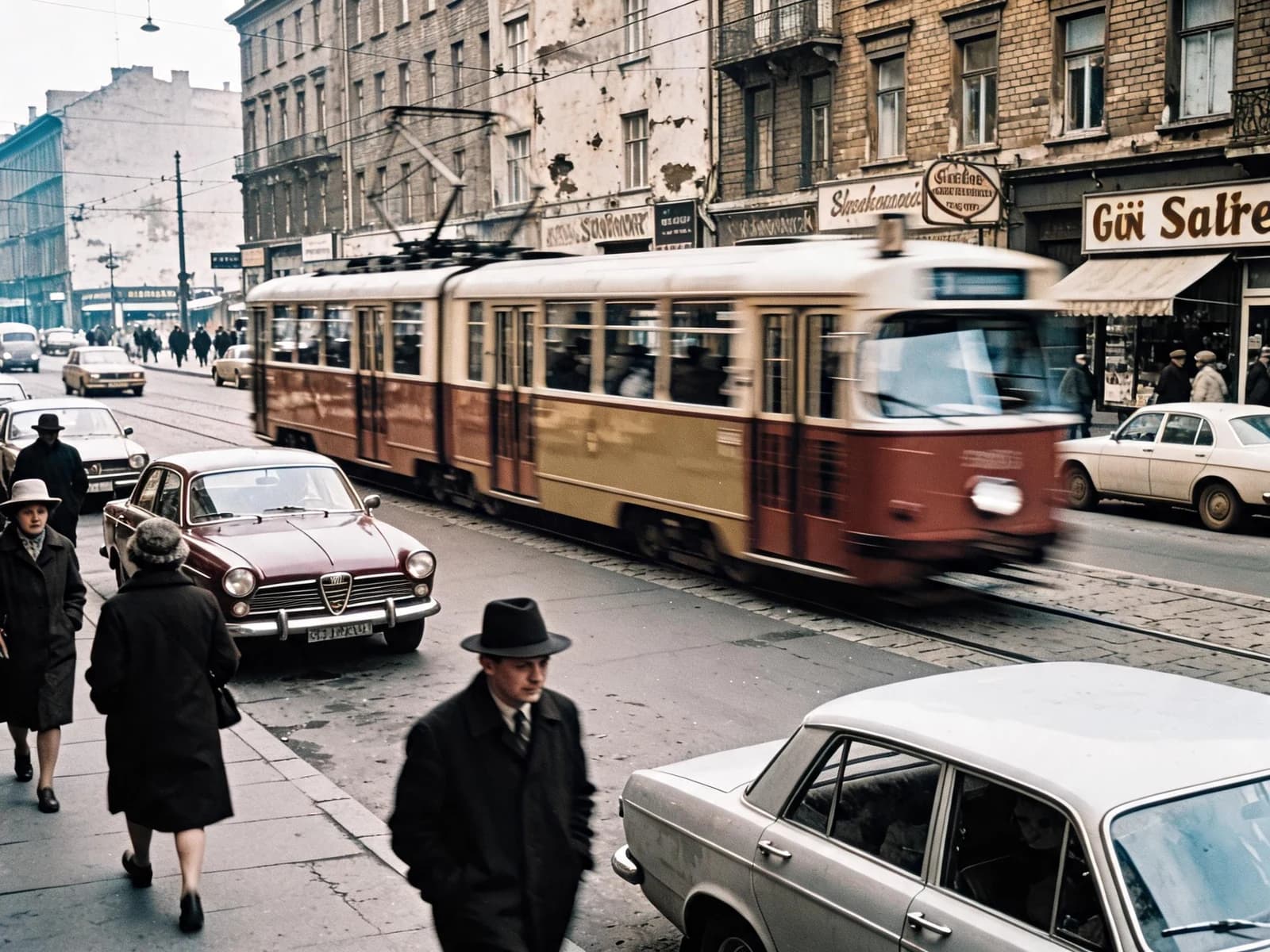
Historians and museums
Bring archive images, wartime photographs and historical street scenes to life for exhibitions, documentaries and articles, while keeping the original framing intact for citation.
Publishers and content creators
Colorize black and white photos for book covers, blog posts, YouTube thumbnails and social media, where a color image earns far more attention than a monochrome one.
Designers and photographers
Use the AI image colorizer to color grayscale stock images, line art scans and product photos, or to explore color options for a monochrome shoot before a reshoot.
Colorizing is one step. Restore first, upscale after.
The AI image colorizer only adds color. If your print is scratched, torn or badly faded, run it through the AI Photo Restorer first so the colorizer has clean detail to work with.
Need a larger print or a sharper file for the web? Send the colorized result to the AI Image Upscaler for 2x or 4x resolution, or use the AI Image Enhancer to recover fine texture. All three tools share the same credits on Z-Image.
AI Image Colorizer FAQ
Explore More AI Image Tools
Discover our suite of powerful AI tools designed to enhance your creative workflow
Colorize Your Black and White Photos Now
Upload a photo and watch the AI image colorizer bring it to life in seconds. No editing skills needed.
14 credits per photo. Free credits on signup.